
Create clean, responsive HTML tables in minutes. Adjust rows and columns, style headers and cells, import CSV, and edit content inline or in full-screen editor mode.
Create clean, responsive HTML tables in minutes. Adjust rows and columns, style headers and cells, import CSV, and edit content inline or in full-screen editor mode. Export production‑ready code for websites, dashboards, documentation, and reports. Or, if you prefer ready-made layouts, explore our collection of free HTML data table templates you can plug into your project right away.
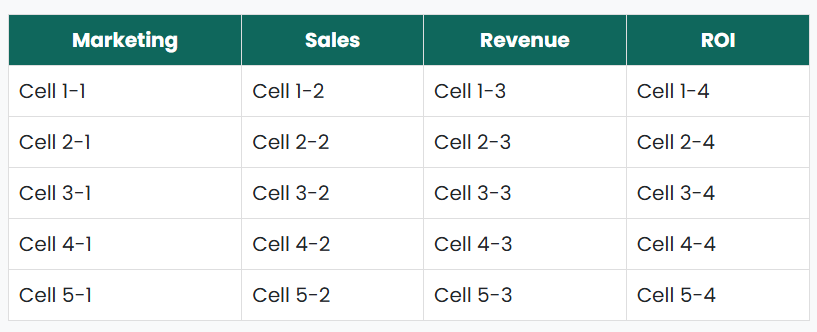
Choose the number of columns and rows. Add headers via the Header Text section.
Set borders, padding, header colors, and enable striped rows for readability.
Click any header or cell to edit it, or switch to Editor Mode for full‑screen editing and formatting.
Import CSV to fill the table automatically, then copy the generated HTML code for your project.
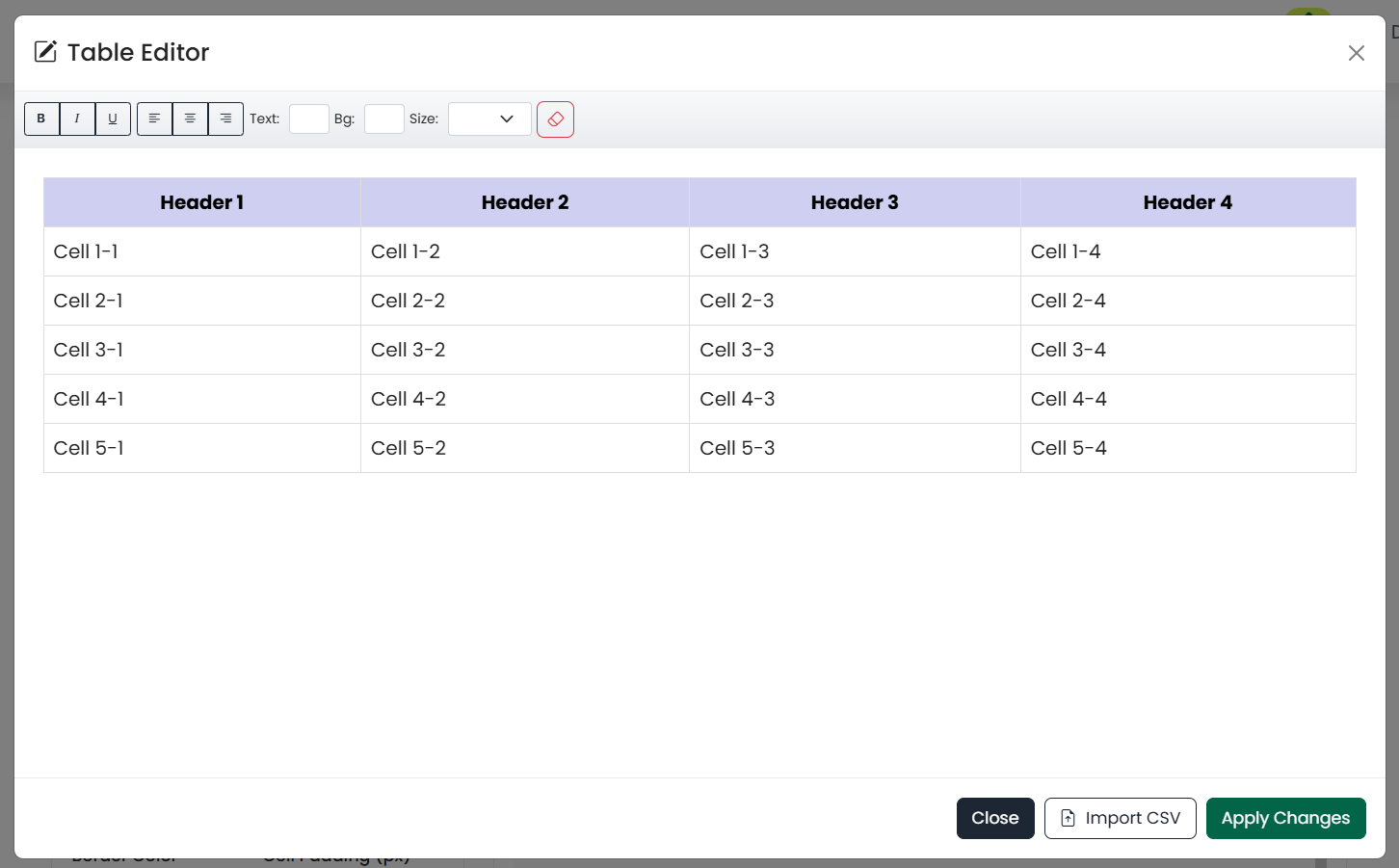
Instead of manually writing <table> tags, you can visually add rows, columns, headers, and styles. If you’re just starting out, check out our beginner’s guide on creating HTML tables to understand the basics, then return here to instantly generate your own.
Want your tables to look professional? Pair this tool with our CSS table styling tutorial to learn how to apply background colors, borders, and text alignment.
<thead>, <tbody>, and <caption> where relevant.
| Feature | Details | Benefit |
|---|---|---|
| Clean HTML | Width 100%, border-collapse, inline styles | Drop‑in ready for most sites and CMSs |
| Responsive Wrapper | Preview uses .table-responsive |
Improves usability on small screens |
| CSV Import | Handles quoted fields and commas | Fast migration of spreadsheet data |
Import a CSV first to set your structure, then fine‑tune styles and alignments. Use Editor Mode to apply quick formatting across selected cells before exporting the final HTML.
Here are HTML Table Templates to use:
Got questions? We've got answers. Find helpful information about our Table Generator and how to use it effectively.