
Our free HTML Color Picker & Palette Generator makes it easy to find the perfect color for your projects. You can extract colors from images, copy HEX, RGB, or HSL codes, and even generate ready-to-use palettes for web design and CSS styling.
#216EDD
rgb(33, 110, 221)
hsl(217, 74%, 50%)
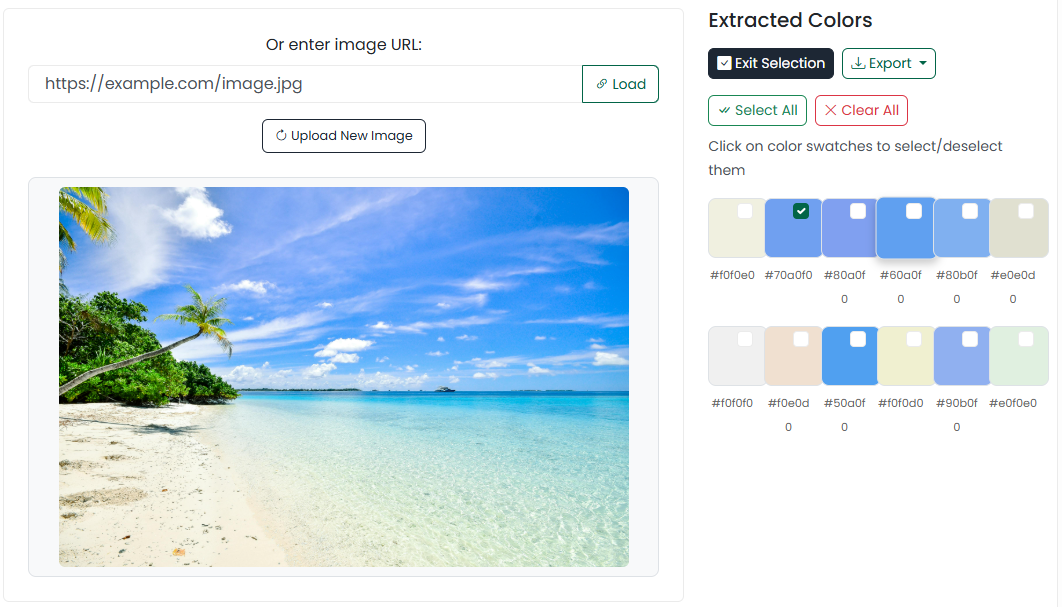
Pick colors from an image and extract all colors with variations automatically. Use the eye dropper to pick specific colors in an image or export selected colors as text or HTML.
Drag and drop an image here or
Explore, create, and manage beautiful color palettes with our all‑in‑one Color Picker. Choose precise colors, generate tints and shades, extract colors from images, and export palettes for your design and development projects. Perfect for UI/UX designers, front‑end developers, brand managers, and creators.
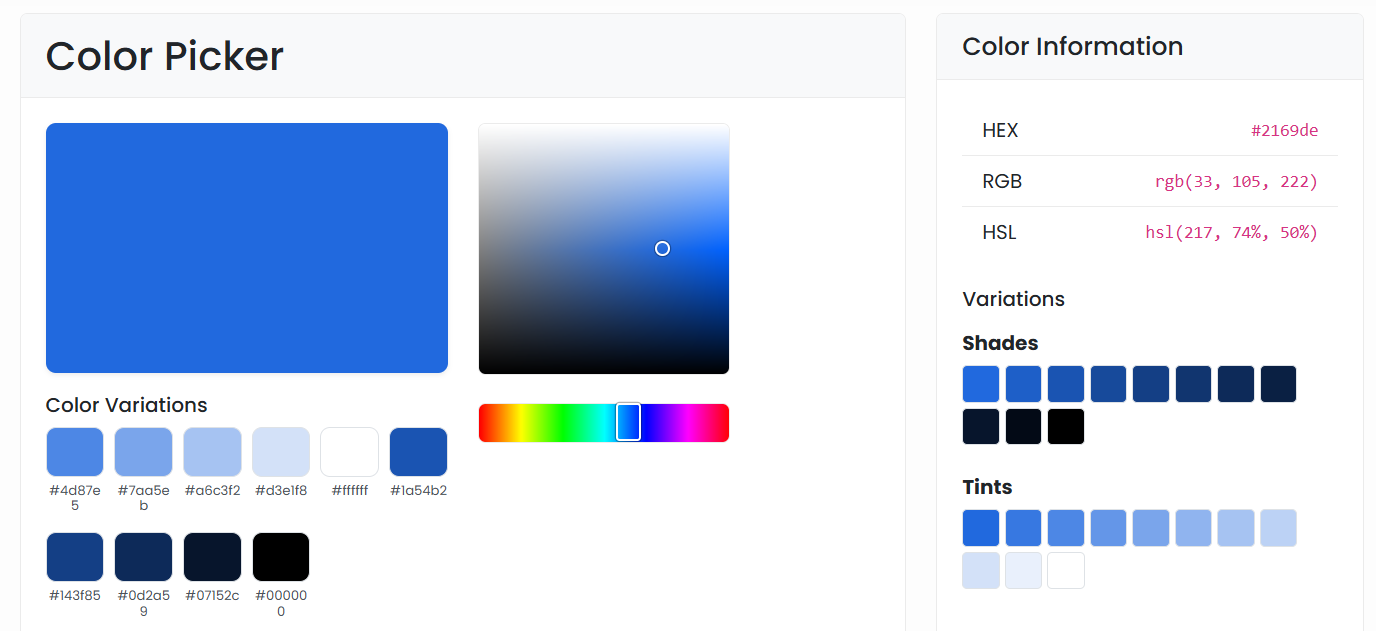
Drag inside the color grid and adjust the hue slider. Enter values manually in HEX, RGB, or HSL if you need precision.
Automatically generate tints and shades connected to your current color. Click any variation to copy its code.
Upload an image (drag & drop, file input, or URL). Hover to preview exact colors and click to capture them.
Toggle “Select Colors,” mark swatches, then export as plain text or HTML. Reset anytime to start fresh.
Here are 25+ common HTML color codes you can use:
| Format | Example | Best For |
|---|---|---|
| HEX | #3A86FF | Web, design tools, quick sharing |
| RGB | rgb(58, 134, 255) | CSS, JavaScript, gradients |
| HSL | hsl(219, 100%, 61%) | Creating tints/shades and theme systems |
HSL‑based calculations produce consistent, trustworthy tints and shades.
Mark colors and export cleanly for handoff or direct implementation.
Optimized interface, compact controls, and smooth touch interactions.
Copyable values and exportable HTML make integration effortless.
Build palettes from a single base color: pick your hue, then generate tints and shades. Use HSL inputs for predictable scaling across your design system.
Quickly browse popular and basic HTML color names with live swatches. Tap any color to copy its value and preview it with tints and shades for flexible use in UI themes and brand kits.
Pick a color above, refine it, generate variations, and extract colors from images. Mark your favorites and export your palette as text or HTML—ready for Figma, CSS, Tailwind, or your design tokens.
Got questions? We've got answers. Find helpful information about our Color Picker and how to use it effectively.