
Convert HTML to PDF instantly with our free online converter. Preserve your formatting, styles, and layout in professional-quality PDF documents.
Upload your HTML file
Convert your HTML to PDF in seconds with our optimized engine.
Maintains your CSS styles and layout in the generated PDF.
Your content is processed securely and never stored on our servers.
Transform your HTML documents into professional PDF files instantly with our free online HTML to PDF converter. Whether you're a web developer, content creator, or business professional, our tool provides a seamless way to convert HTML code, web pages, and HTML files into high-quality PDF documents that maintain your original formatting, styles, and layout.
Our HTML to PDF converter stands out from the competition with its advanced features and user-friendly interface. Unlike other tools that may distort your content or lose formatting, our converter preserves your CSS styles, images, fonts, and layout exactly as they appear in your HTML.
Copy your HTML code and paste it into the code editor, or upload an HTML file directly.
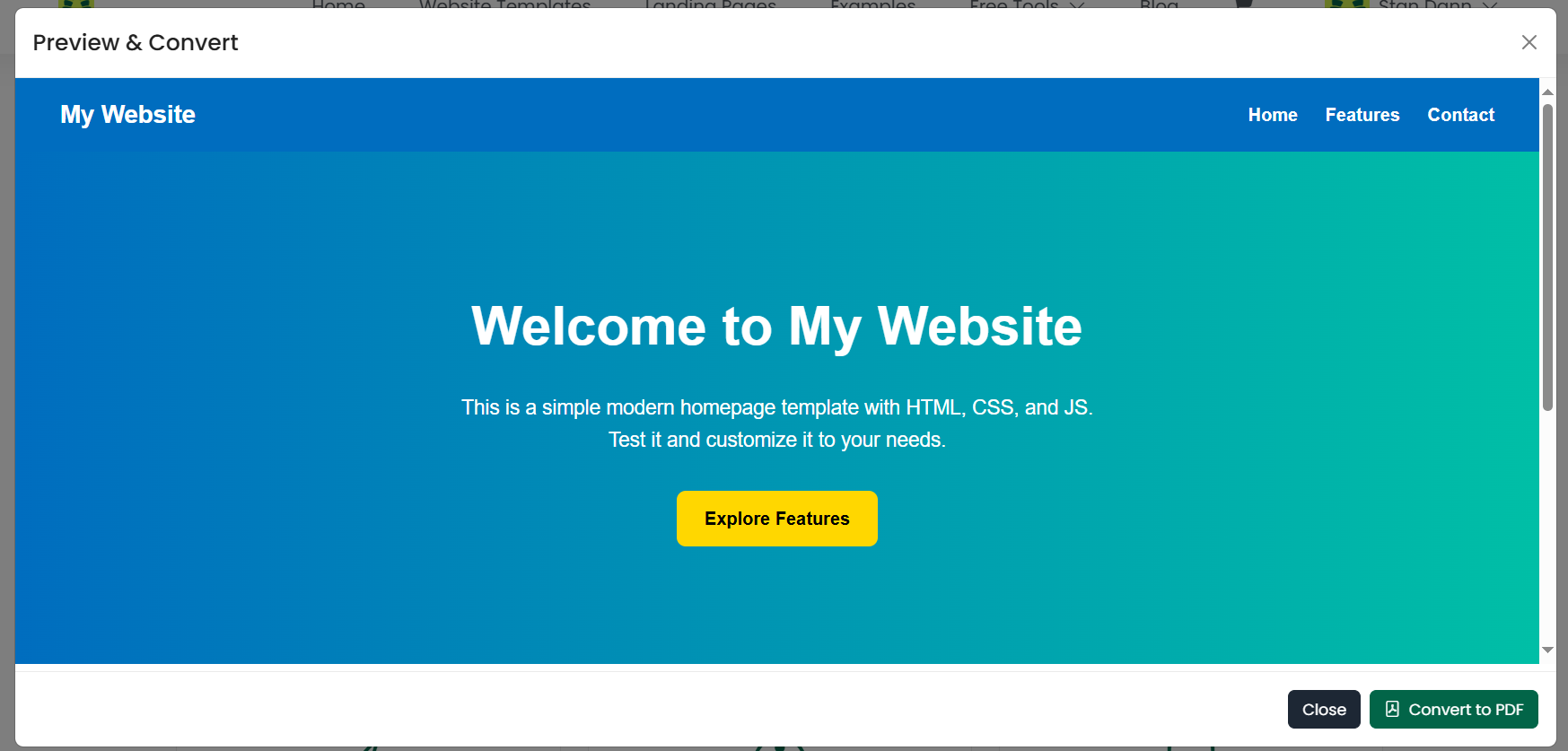
Use the preview feature to see exactly how your document will look before conversion.
Click the "Convert to PDF" button and wait for the processing to complete.
Preview the generated PDF and download it to your device.
Convert HTML prototypes, design mockups, and web page layouts into PDF format for client presentations.
Transform blog posts, articles, and web content into PDF format for offline reading and sharing.
Convert HTML reports, presentations, and documents into PDF format for professional distribution.
Convert HTML-based educational content, research papers, and study materials into PDF format.
Write and edit HTML code with our built-in editor featuring syntax highlighting and auto-completion.
Upload existing HTML files directly for conversion without copying and pasting code.
Preview your HTML content before conversion to ensure everything looks correct.
Generate crisp, clear PDF documents suitable for printing and professional use.
Ready to convert your HTML documents to PDF? Our free online HTML to PDF converter is available 24/7 and ready to handle your conversion needs.
Experience the difference that a professional HTML to PDF converter makes. Try our tool today and see why thousands of users trust us for their document conversion needs.
Completely free to use with no hidden fees or usage limits.
Got questions? We've got answers. Find helpful information about our HTML to PDF converter and how to use it effectively.